
Activate your AppSumo deal
In your AppSumo account, find testimonials.ltd under your products and click Activate. AppSumo sends you back to us to create an account or add the plan to an existing one.
On this page
To activate your AppSumo deal, open your AppSumo account, find testimonials.ltd under your products and click Activate. AppSumo sends you back to testimonials.ltd, where you create your account or add the plan to the account you already have.
Activate
- Go to your AppSumo products.
- Find testimonials.ltd and click Activate.
- You land on our activation page. It checks your license and shows “Your plan is ready.”
- Choose Create account and enter your name, email and password, or click Continue with Google. If you already have an account, choose I have an account and sign in.
- If you created a new account, check your inbox and click the confirmation link.
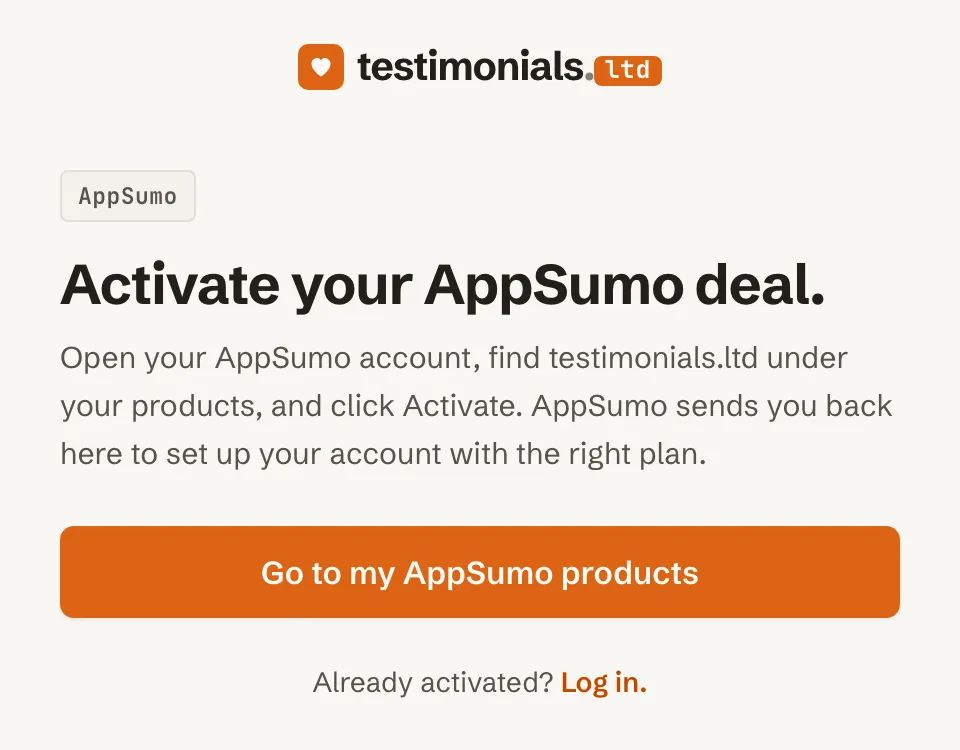
If you open the activation page directly, it asks you to start from AppSumo. Click Go to my AppSumo products.
Already signed in?
The page offers Add to your current email, so the plan goes onto the account you are using.
If activation fails
If you see “We couldn’t activate your license.”, click Back to AppSumo and try again from your products page. If it still fails, email support@testimonials.ltd with your license key.
Upgrade or downgrade on AppSumo
Changing your AppSumo tier switches your limits right away. Your testimonials stay where they are.
Related articles
Did this answer your question?
Thanks for letting us know.Thanks, we will improve this article. Want a hand right now?
Still need help?
Chat with us and get an answer in a few minutes.