
Create your account and set up your first space
Sign up at testimonials.ltd/signup, confirm your email, then tell us what you need and add your product. Setup takes about two minutes.
On this page
Sign up at https://testimonials.ltd/signup, confirm your email, then answer a few setup questions and add your product. It takes about two minutes, and you can preview your widgets with your own reviews before you buy.
Create your account
- Go to https://testimonials.ltd/signup.
- Enter your Name, Email and a Password of at least 8 characters, or click Continue with Google.
- Open the email we send you and click the link to confirm your address. The link works for 24 hours.
If the email does not arrive, check your spam folder first. See I did not get the confirmation email.
Tell us what you need
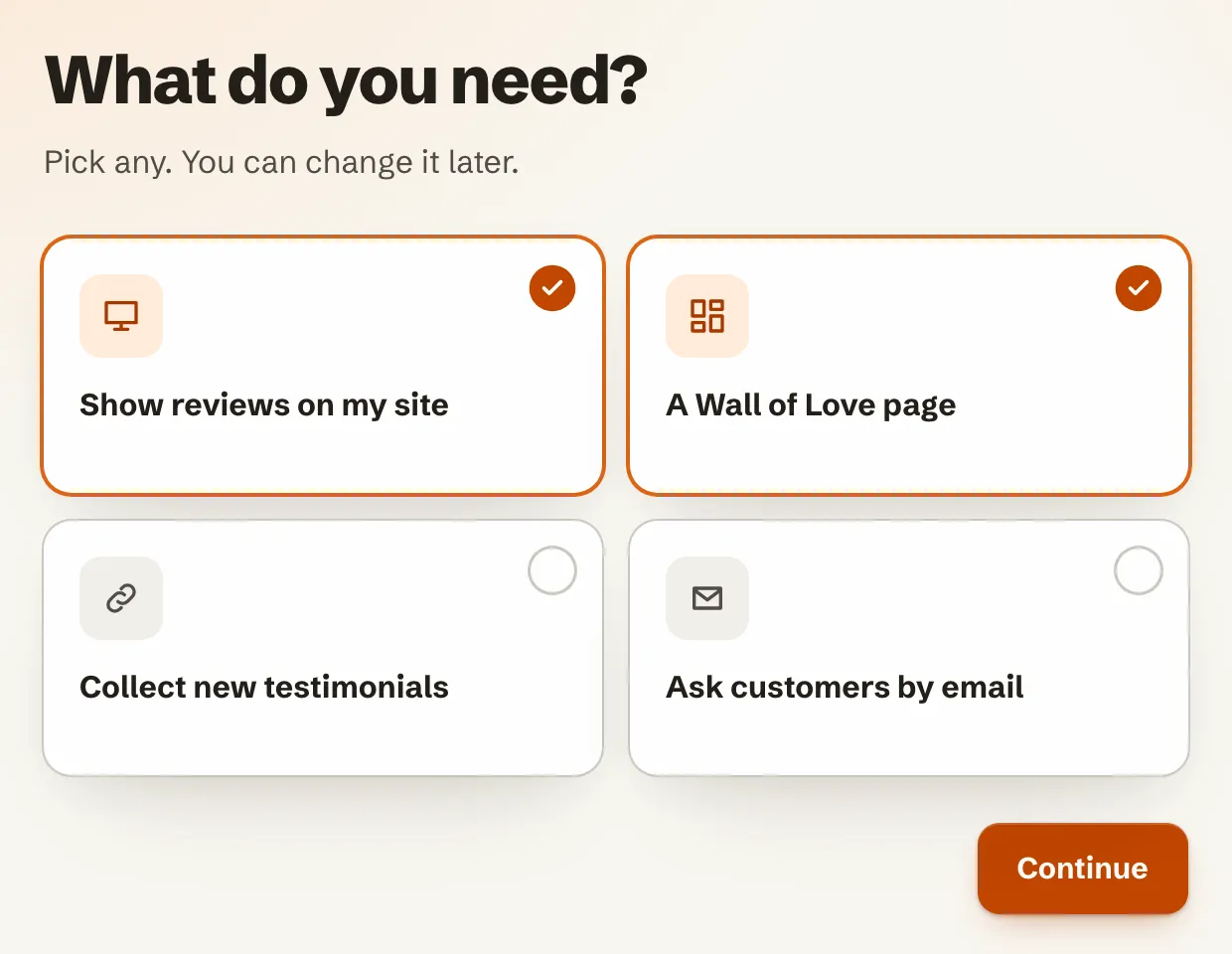
On What do you need?, pick any of the options: Show reviews on my site, A Wall of Love page, Collect new testimonials or Ask customers by email. You can change this later. Click Continue.
Set up your product
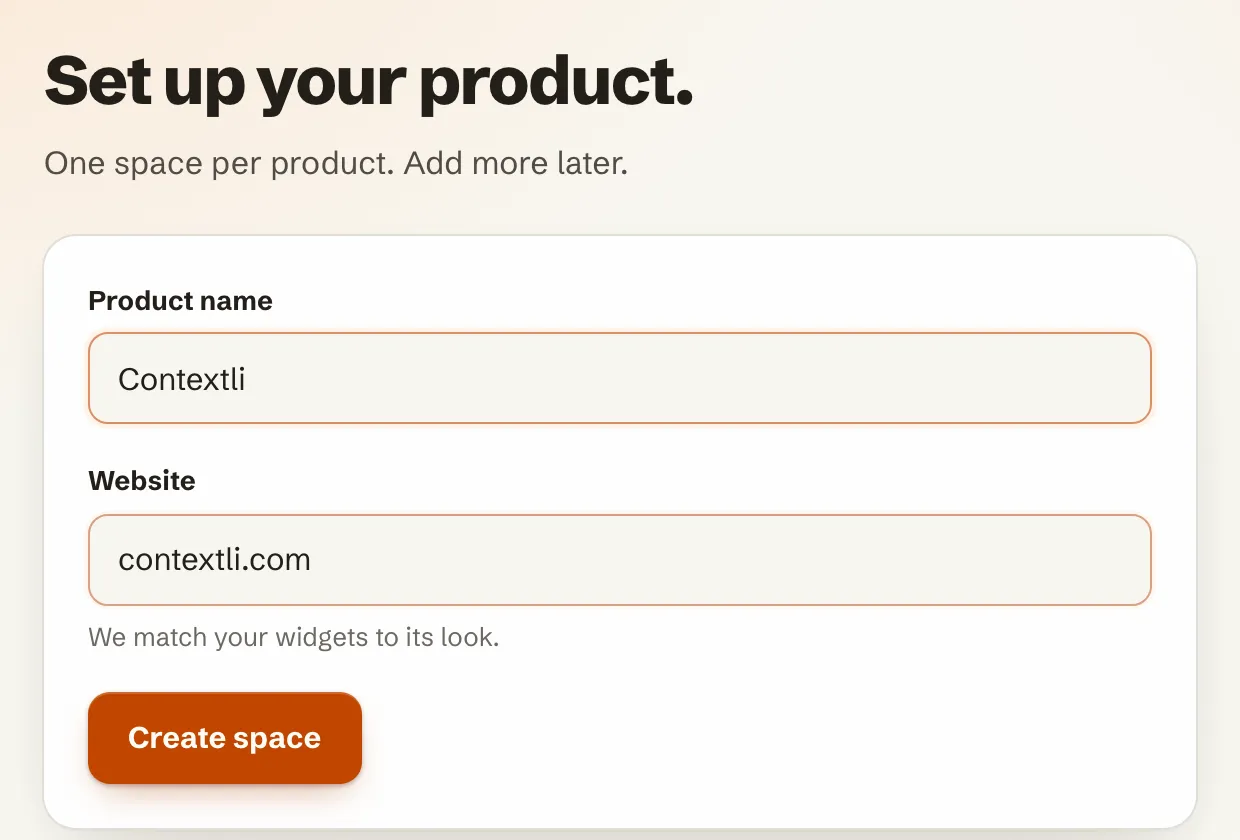
- Under Set up your product., type your product name and your website.
- Click Create space. We read your website and match your widgets to its colors and font.
Bring in your reviews
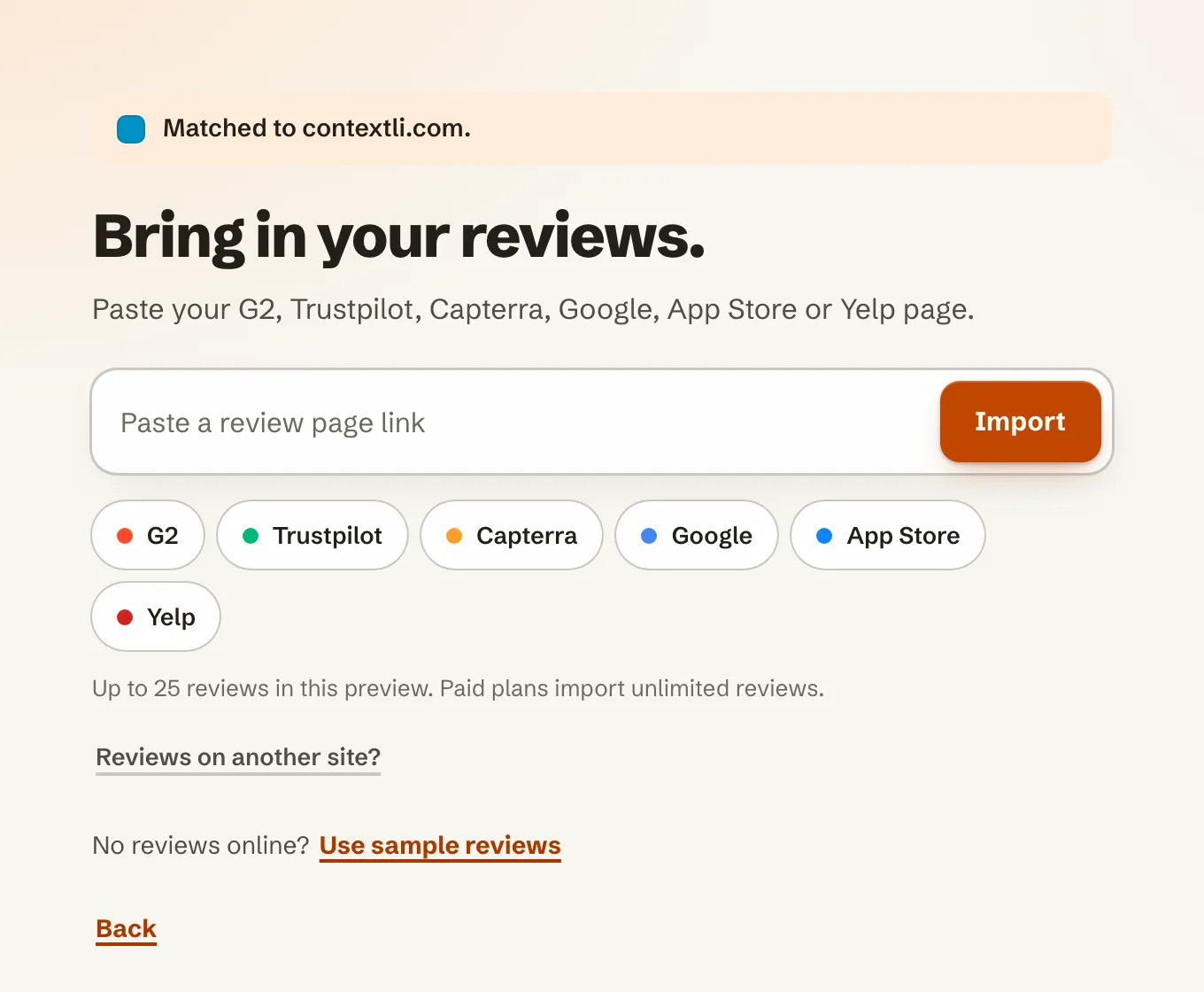
- Under Bring in your reviews., paste the link to your G2, Trustpilot, Capterra, Google, App Store or Yelp page and click Import.
- No reviews online yet? Click Use sample reviews to try the widgets with example reviews.
Preview your widgets
You now see your reviews in a live preview of your own site. Switch between Widgets and Wall of Love, try different widget types, and change Color, Font and Theme.
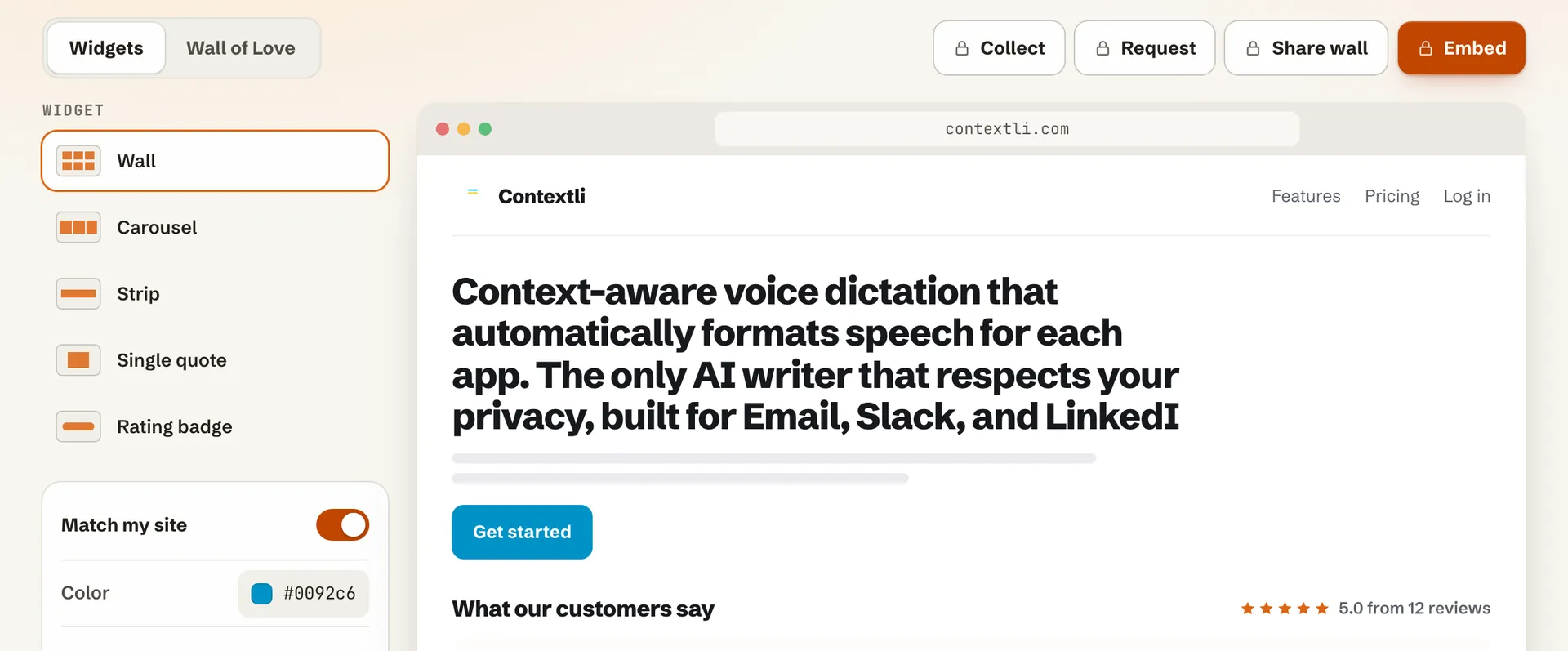
To collect testimonials, send requests, share your wall or get your embed code, pick a plan. It is a one-time payment. See https://testimonials.ltd/pricing for the plans.
Related articles
Did this answer your question?
Thanks for letting us know.Thanks, we will improve this article. Want a hand right now?
Still need help?
Chat with us and get an answer in a few minutes.