
Reset your password or get a new confirmation email
To reset your password, go to testimonials.ltd/forgot-password and use the link we email you within 1 hour. If an email is missing, check spam and promotions first.
On this page
To reset or change your password, go to testimonials.ltd/forgot-password, enter your email and click the link we send you. The reset link works for 1 hour.
Reset your password
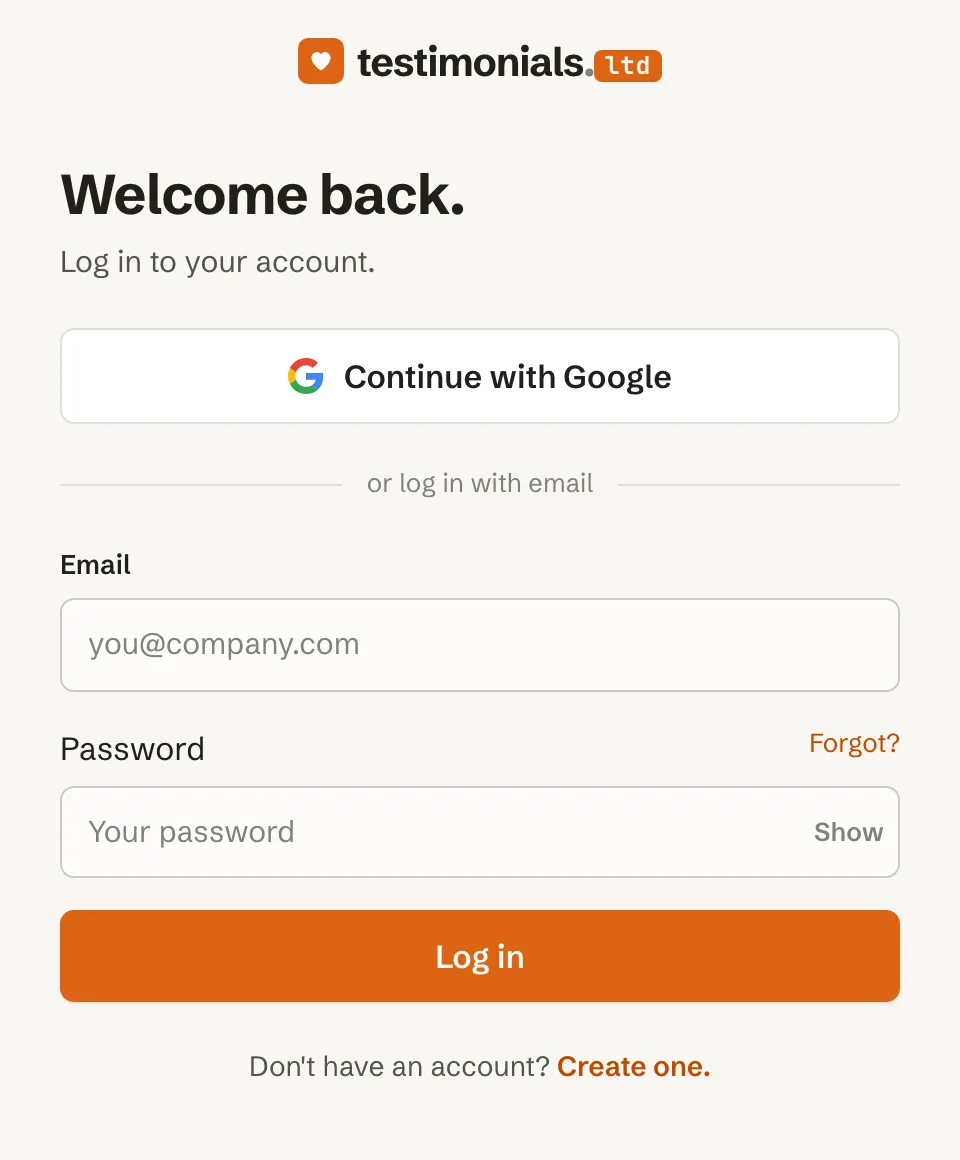
- On the sign-in page, click the forgot password link, or go straight to testimonials.ltd/forgot-password.
- Enter the email you signed up with and send.
- Open the email and click the link within 1 hour.
- Choose a new password of at least 8 characters.
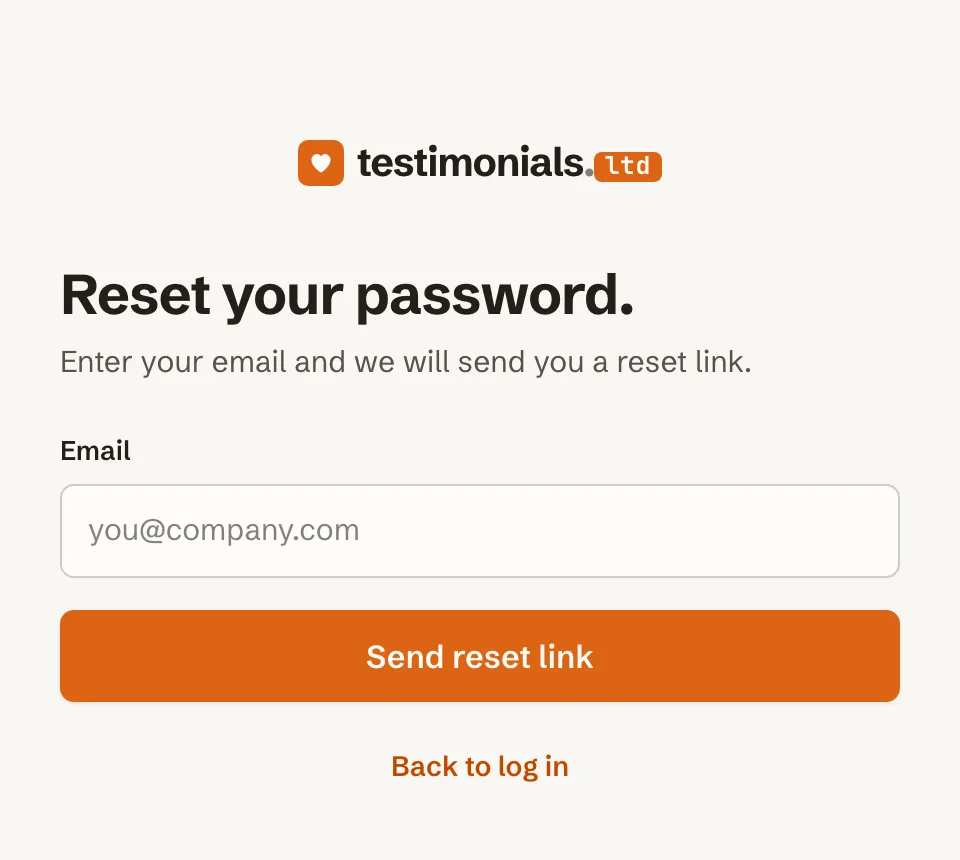
This is also the way to change your password while signed in.
Signed up with Google?
You do not need a password. Click Continue with Google on the sign-in page.
The confirmation email did not arrive
- Check your spam and promotions folders.
- Make sure you typed the right address.
- Confirmation links work for 24 hours. If yours expired, you see “Link invalid or expired.” Sign in again to get a new one, or email support@testimonials.ltd.
Related articles
Did this answer your question?
Thanks for letting us know.Thanks, we will improve this article. Want a hand right now?
Still need help?
Chat with us and get an answer in a few minutes.